12 Best Rainmeter Wallpapers to Pair With Your Skins
Published April 30, 2026 · by the LumenWall studio
Your wallpaper is the foundation of any Rainmeter setup. Skins float on top of it, so the right background can make a HUD feel cinematic — or make it impossible to read. Here's how we think about choosing wallpapers, plus the styles that consistently work best.
What Makes a Great Rainmeter Wallpaper?
- Negative space — Open areas give your clocks and monitors room to breathe.
- Controlled contrast — Subtle gradients keep white or neon text readable.
- High resolution — 4K or 5K source files stay sharp on modern displays.
- A clear focal point — Off-center compositions leave a corner for widgets.
Styles That Pair Well
Abstract Gradients
Flowing liquid gradients like our Aurora Flow are perfect for glassy, modern HUDs. The dark base makes neon accent skins pop.
Tech & Isometric
Circuit grids and isometric scenes complement system-monitor skins and give a "command center" feel.
Minimal Landscapes
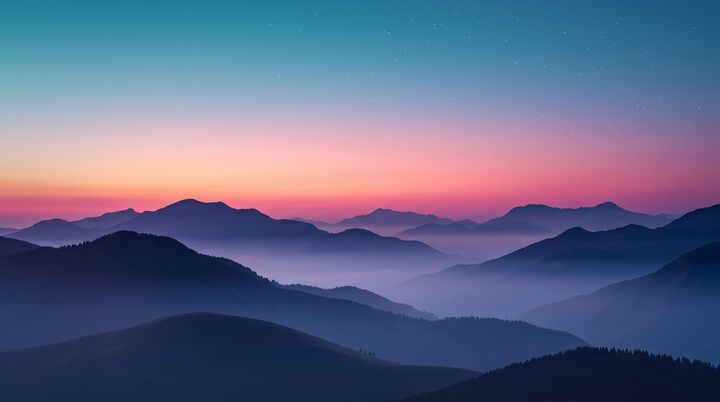
Dusk ridges and misty forests are calming and leave large flat areas of sky — ideal for large clock skins.
Synthwave & Retro
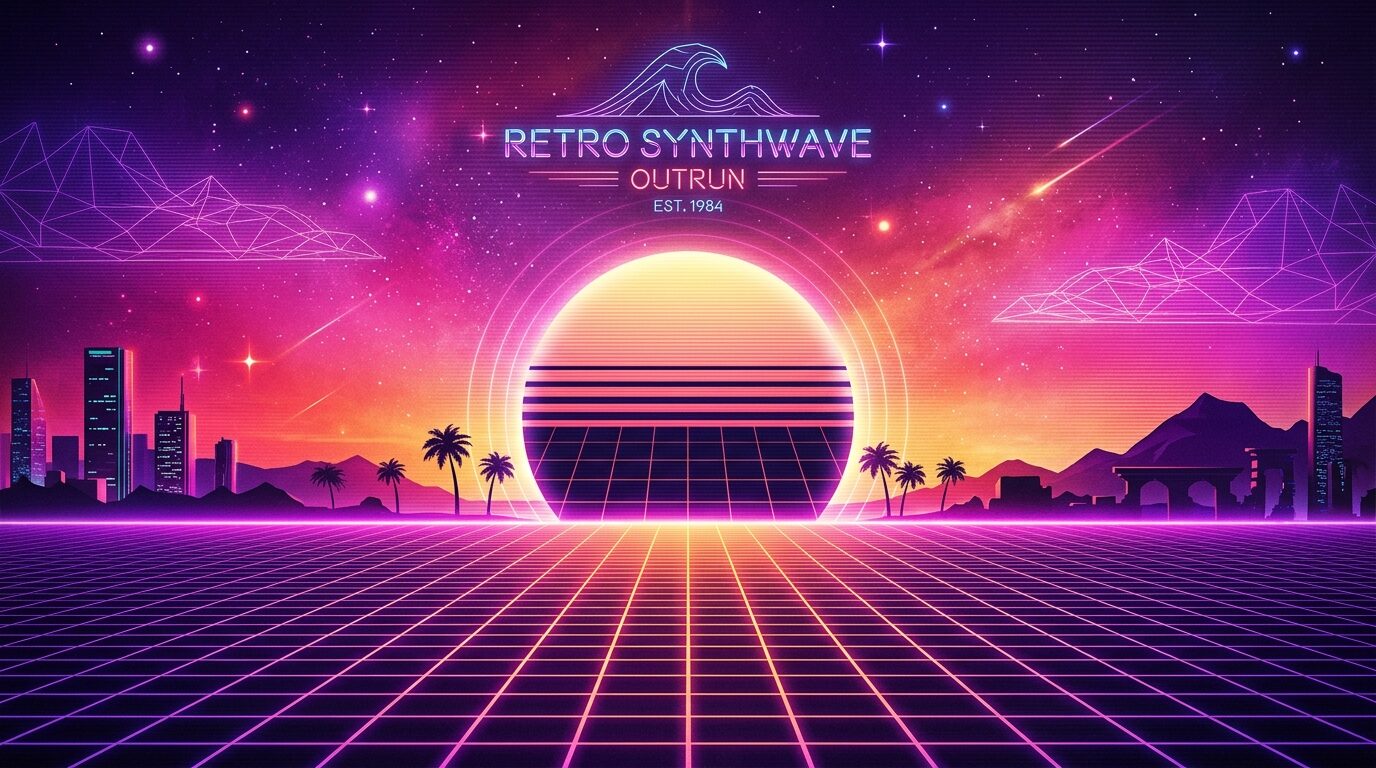
For visualizers and retro clocks, a synthwave horizon adds energy without overwhelming the widgets.
Pro Tip: Match Your Accent Color
Pick a wallpaper whose dominant accent matches your skin's highlight color. When your CPU graph glows the same cyan as your background, the whole desktop feels designed — not assembled.
Get matching wallpapers
Browse premium Rainmeter-ready backgrounds designed to make your skins pop.